Undo costly mistakes on your BigCommerce store.
Store Backup automatically protects your products, orders, customers, themes and other critical data - so an accidental deletion, a bad import or a bulk-edit mistake is a few clicks from undone.
7-day free trial. One-click install. Cancel anytime.
Every store has a bad day eventually
None of this is rare, and it happens to careful teams too. The difference is how long it takes to fix.
Bad CSV import
You import a spreadsheet and accidentally overwrite prices or details across thousands of products.
Accidental deletion
An employee deletes products, pages or customer data - on purpose or by mistake.
Bulk edit mistake
A bulk update changes the wrong inventory, prices or product information across your catalog.
Theme change gone wrong
A developer deploys a theme change that breaks the storefront right before a launch.
Without Store Backup
- Thousands of products changed
- Manual investigation, product by product
- Manual fixes, one at a time
Hours or days lost
With Store Backup
- Open the backup from before the import
- Identify the affected products
- Restore them in a few clicks
Back to work in minutes
Three steps. That's the whole process.
One app for your entire storefront
Every plan comes with the full set of features. You only pay more as your order volume grows.
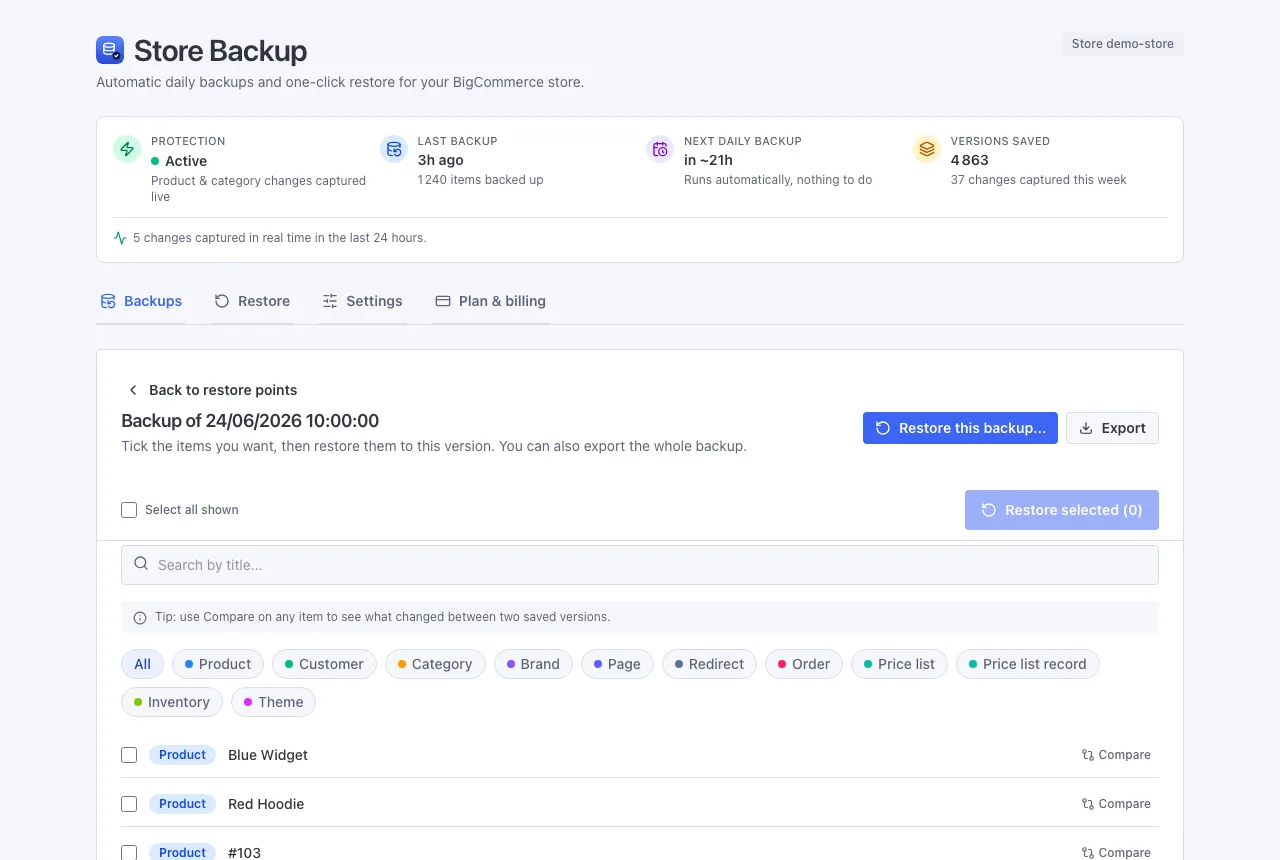
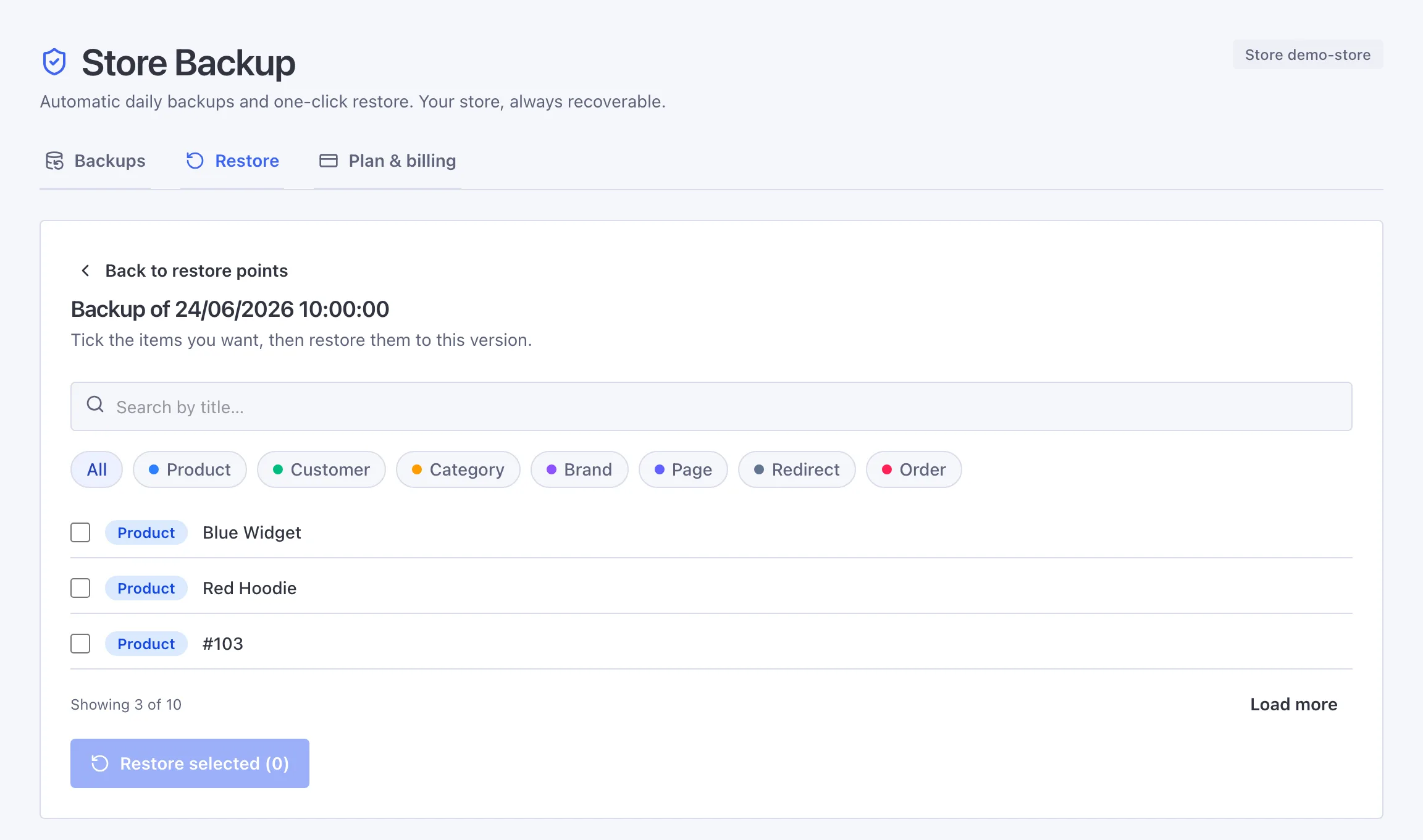
Undo mistakes in one click
Search, filter, tick the items you need and restore. We match each item by its code, email or web address, so you never get duplicates.
Real-time capture
Product and category changes are saved the instant they happen, not just once a day.
Backups that run without you
A quick backup every day, a full one weekly, and the first the moment you install.
Go back to any point in time
Every backup is a moment in time. Open one and roll items back to how they were then, for a full year.
Take your data with you
Download any backup as a ZIP through a secure link, also sent by email. Included on every plan.
Stay safe by design
Your access key is scrambled, each store is kept separate, and backups are cleared 30 days after you uninstall.
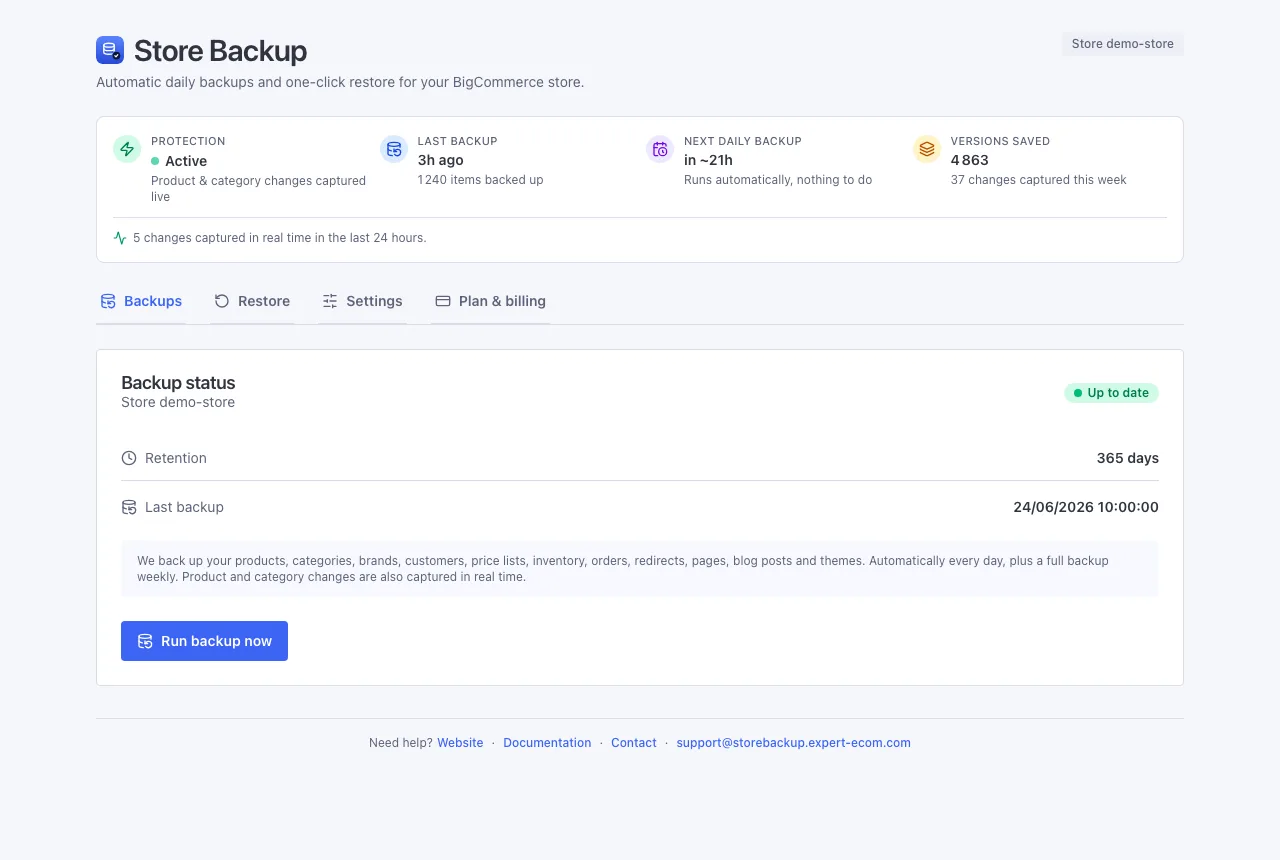
Your whole store, covered
Products, photos, customers, orders, pages and theme - each file stored once, so it stays lean.
Built for BigCommerce teams
Whoever touches the store, Store Backup gives you a way back.
Merchants
Protect your store from accidental changes and data loss, without thinking about it day to day.
Ecommerce teams
Recover quickly after imports, bulk edits and catalog operations gone wrong.
BigCommerce agencies
Protect client stores before migrations, redesigns and major changes.
Common questions
Will it slow down my store?
No. It works quietly in the background, so your storefront and your admin stay just as fast - your customers never notice it.
How quick is a restore?
Seconds for a single item. Pick a backup, choose what to bring back, confirm. We match each item by something that doesn't change, so nothing is duplicated.
What happens to my data if I uninstall?
Each store's backups are kept separate. If you uninstall, we keep your backups for 30 days in case you reinstall - everything picks up right where it left off. After 30 days, they're permanently removed.
Can I restore a single product?
Yes. One item, a filtered set, or as many as you like across products, customers, pages and more in the same action - you tick what to bring back, then confirm.
Is Store Backup useful before a migration or bulk import?
Yes - it's one of the most common reasons to run a manual backup first. Take a backup right before a big import, catalog migration or theme change, so you have an exact point to restore from if something goes wrong.
Is there a free trial?
Yes, 7 days. After that you pay based on your monthly orders, counted for you - nothing to report by hand.
Put a safety net under your store
One click to install, and your first backup starts right away.