How backups work
What we copy, how often, and how long we keep it.
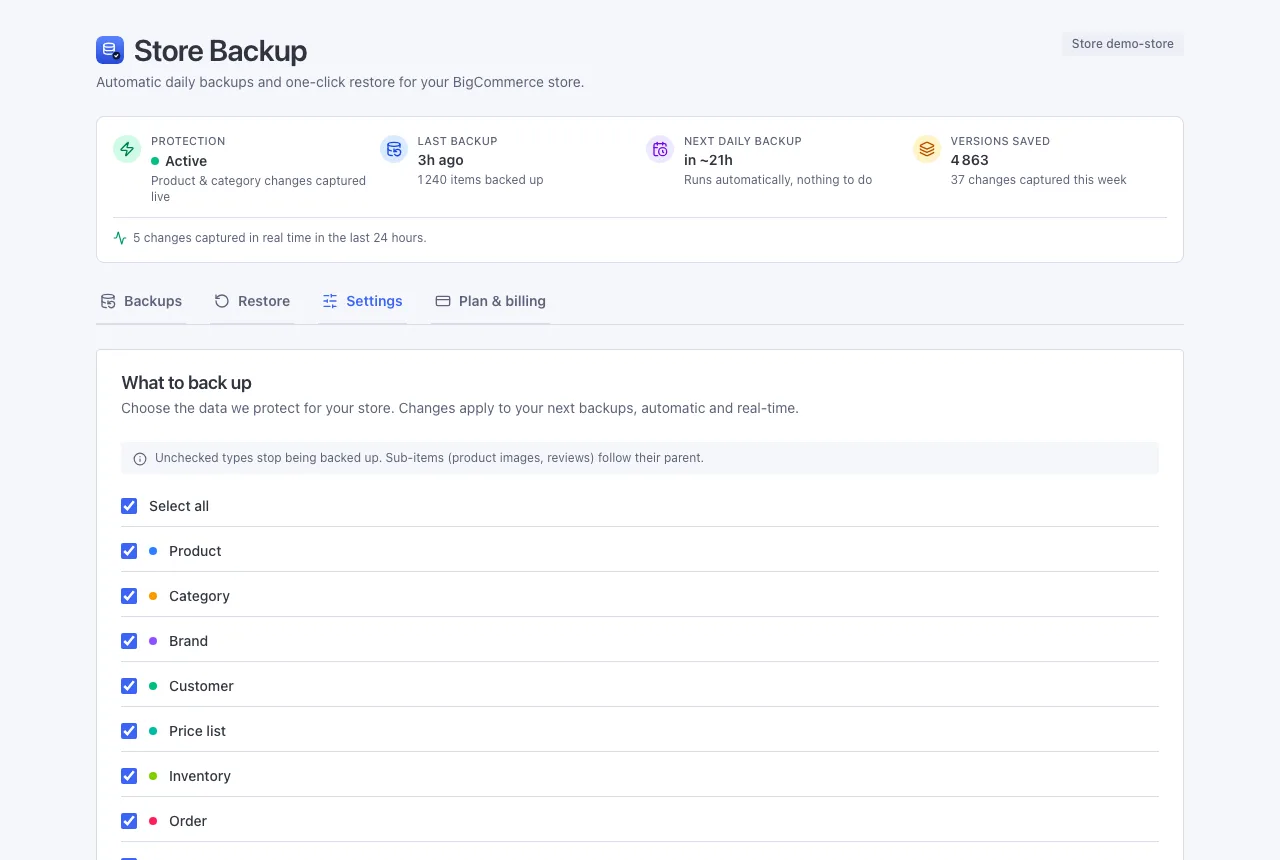
What we copy
Pretty much everything a shopper or you would notice:
- Products, their options, their photos, and their reviews
- Categories and brands
- Customers
- Price lists (your wholesale or special pricing) and stock levels
- Orders, with their line items and addresses
- Pages, blog posts, and your 301 redirects
- Your store's theme (its whole design)
How often
- When you install: one full copy of everything.
- Every day: a quick copy of whatever changed.
- Every week: a fresh full copy, as a safety net.
- In real time: the instant a product or category changes, we save that version too. Everything else follows the daily backup.
You can also make a backup yourself anytime from the Backups tab - handy right before a big import or a theme change.
How far back you can go
Every plan keeps a full year (365 days) of version history. Older backups are cleared out on their own, so you never have to tidy up.
Downloading a backup
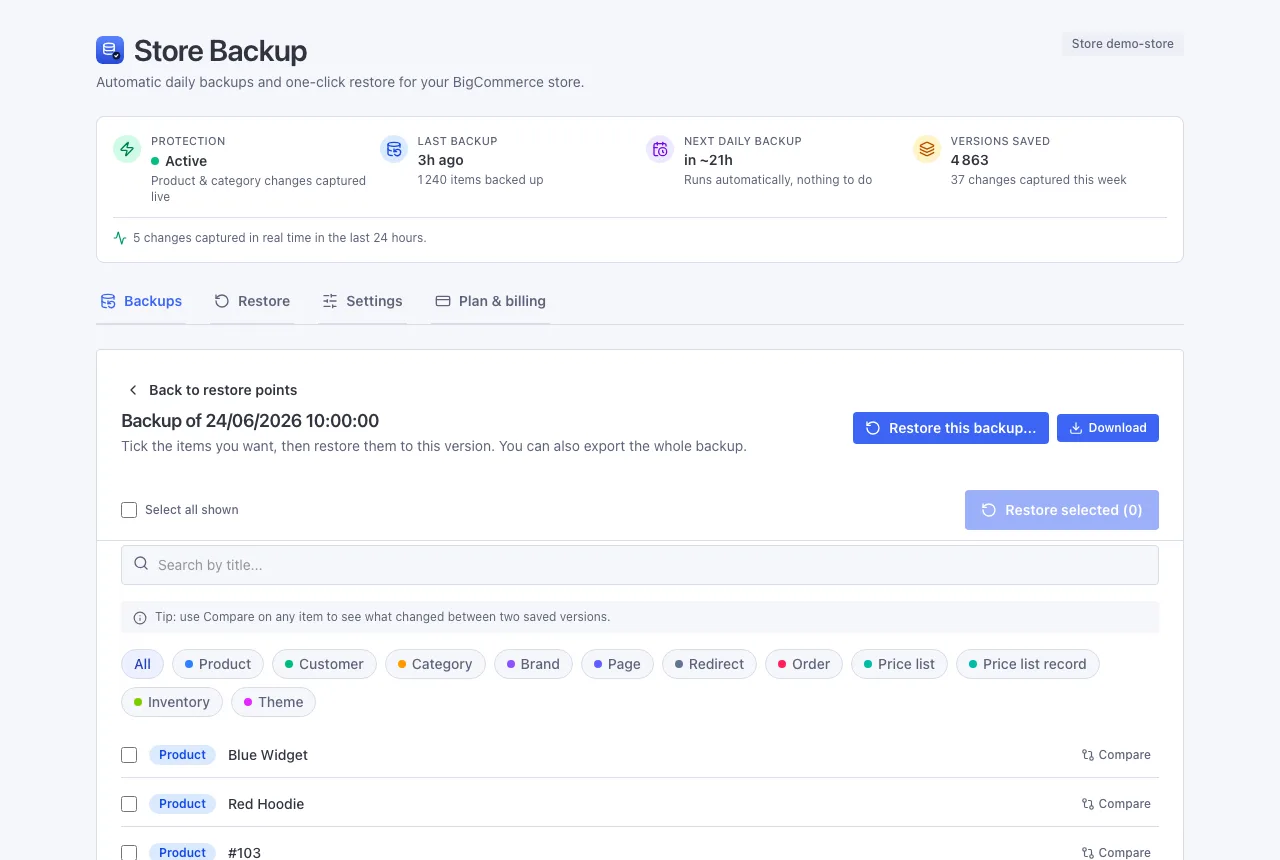
Want a copy of an entire backup on your own computer? Open any restore point in the Restore tab and click Export. We assemble the whole backup into a single ZIP file and give you a secure download link, valid for 7 days. We also email you the link, so you can grab it later.
It is your data, always yours - useful for an audit, for your accountant, to archive offline, or to move to another platform. Most of all, it is your safety net: if you ever lose access to BigCommerce itself, a restore back into the store would not help, but a download still has your backed-up data. The file includes customer details, so keep it somewhere safe.
Export is included on every plan. The ZIP holds exactly what that backup captured: a full backup covers everything we track across your store, a daily one is what changed that day.
A note on photos and themes
Image files and your theme can be large, so we are clever about them: we save each file once and reuse it. Run a backup when nothing visual changed, and it adds no extra storage at all - it just points to the file we already have.
Next: Restoring data