How it works
A plain-English look at what the app does for you behind the scenes.
Every backup is a moment in time
Think of each backup like a photo of your whole store, taken at a certain time. Open any photo and you see your store as it looked then. If something changed for the worse, you pick the moment when it was still right and bring that version back.
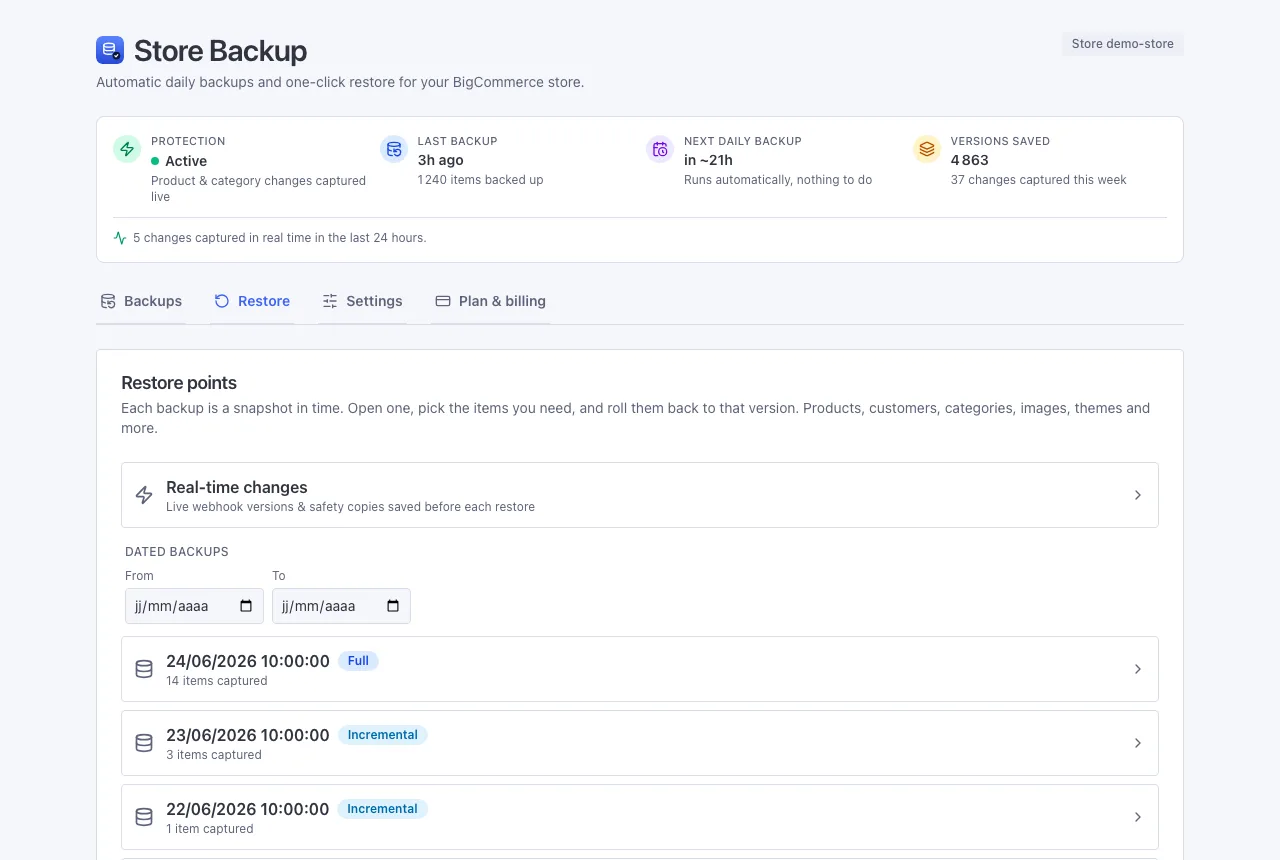
Two ways your store gets copied
- On a schedule. A full copy when you install, a quick daily copy of whatever changed, and a fresh full copy once a week, just to be safe.
- The instant a product or category changes. BigCommerce tells us right away and we save that version on the spot - not just once a day. Everything else (customers, orders, inventory and more) is captured by the scheduled backup, the same day.
So if you edit a product at 2pm and regret it at 2:05, the 2pm version is already saved.
Why it stays cheap
Two simple tricks. We squeeze the text down so it takes very little space, and we never save the same file twice - if a photo hasn't changed, we just point to the copy we already have. A daily backup of a store that didn't change adds almost nothing. That's how we keep the price well below the competition.
Restoring is safe on purpose
- We recognise each item by something that never changes - a product by its code (SKU), a customer by their email, a page by its web address. So bringing something back updates the right item instead of creating a duplicate.
- Just before any restore, we quietly save how things look right now. So even the restore itself can be undone.
- We never change an existing order. If one is deleted, you can recreate it as a new order on request (it gets a new number, and the customer is not re-charged).