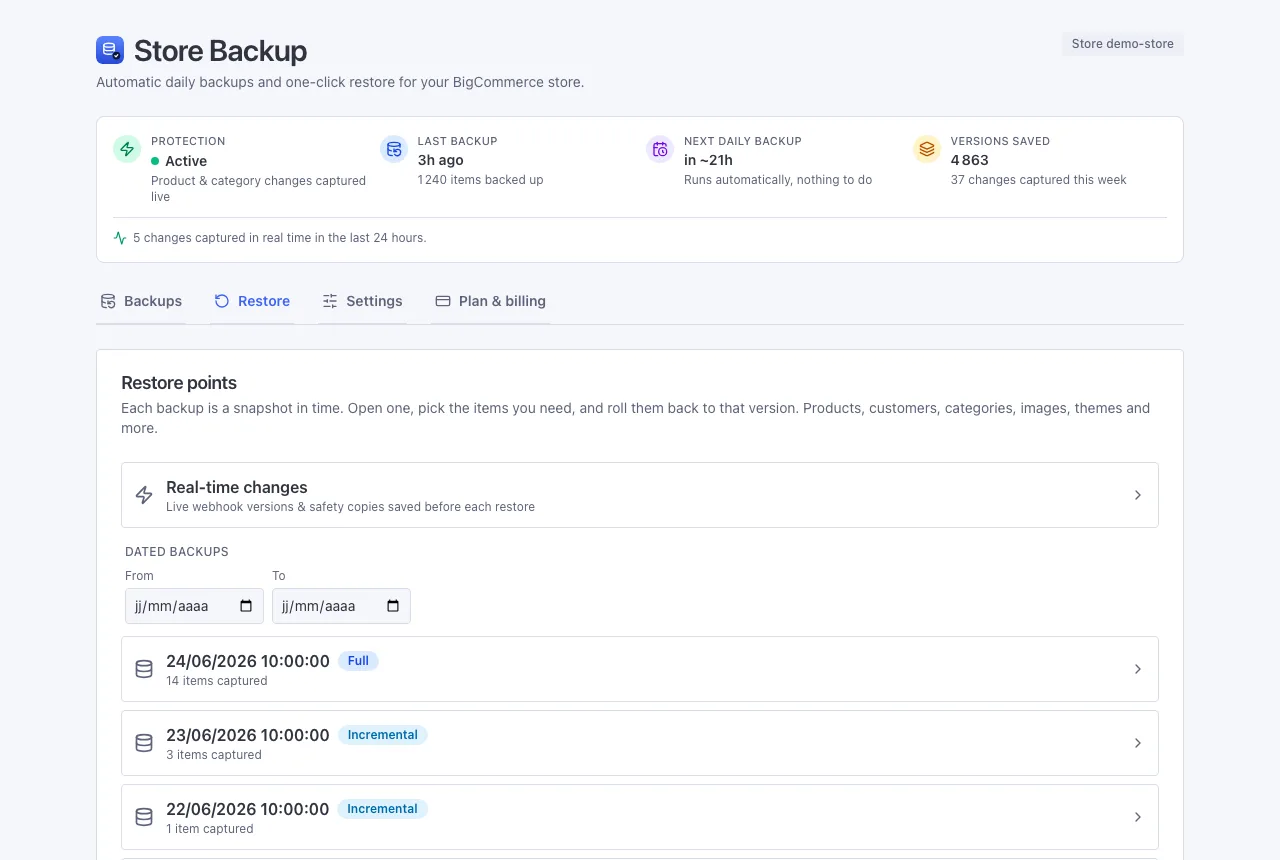
Real-time changes
The very latest versions of your data - and the easiest way to undo a restore.
What you'll find here
Most backups belong to a date. The Real-time changes view collects the in-between versions that don't:
- Live versions - saved the instant you change a product or category, without waiting for the daily backup. Everything else (customers, orders, inventory and more) updates with the daily backup, same day.
- Safety copies - the snapshot we take automatically just before every restore.
Undoing a restore
Restored something and changed your mind? It's easy. Open Real-time changes, find the safety copy taken just before your restore, and restore that. It's the exact picture of your store from a moment before, so you land right back where you started.
A quick example
You rewrite a product description, save it, then realise the old one was better. Open Real-time changes, find the earlier version from a few minutes ago, and bring it back. Done.
Find things fast
Just like a dated backup, you can search these versions by name (even by an order number or a customer's name) and filter by kind, then restore one or several at once.
Next: Plans & billing